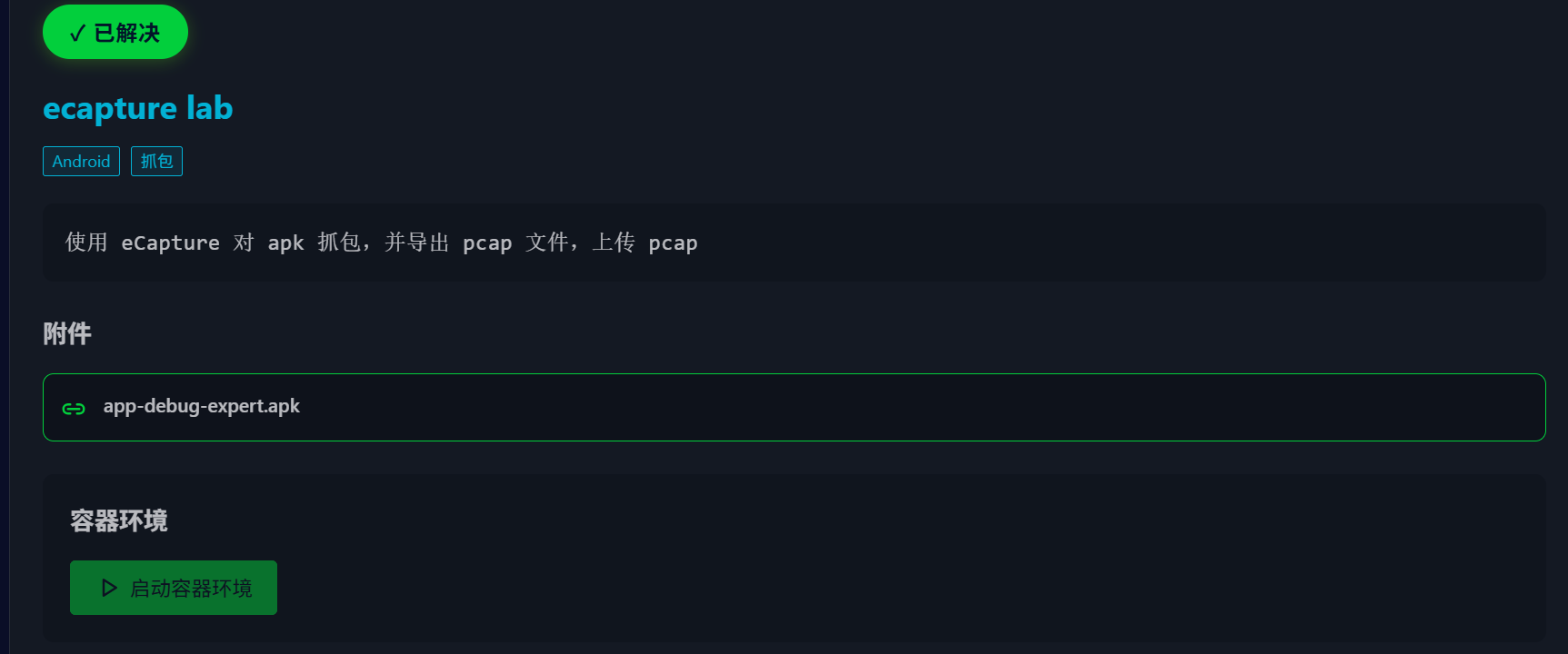
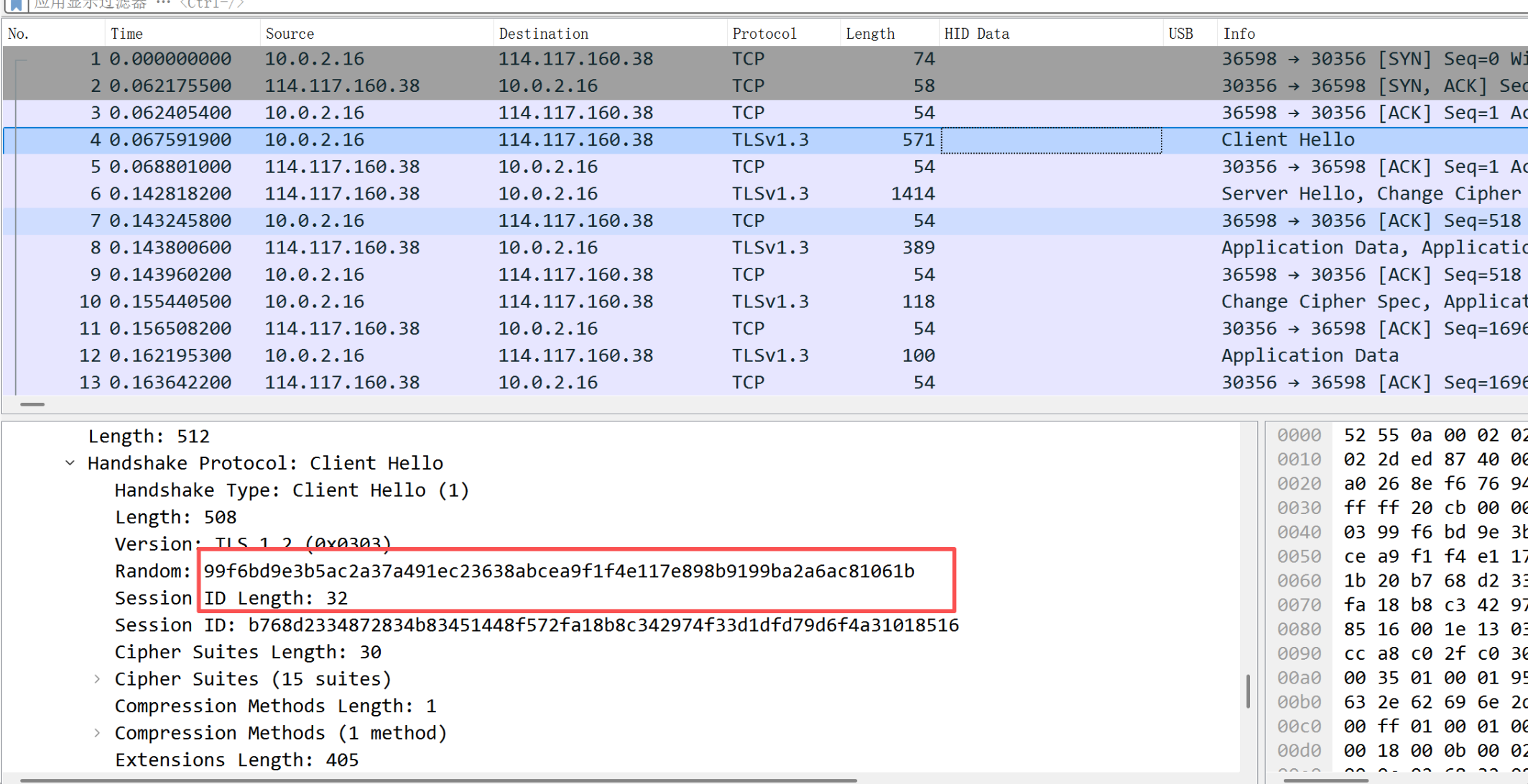
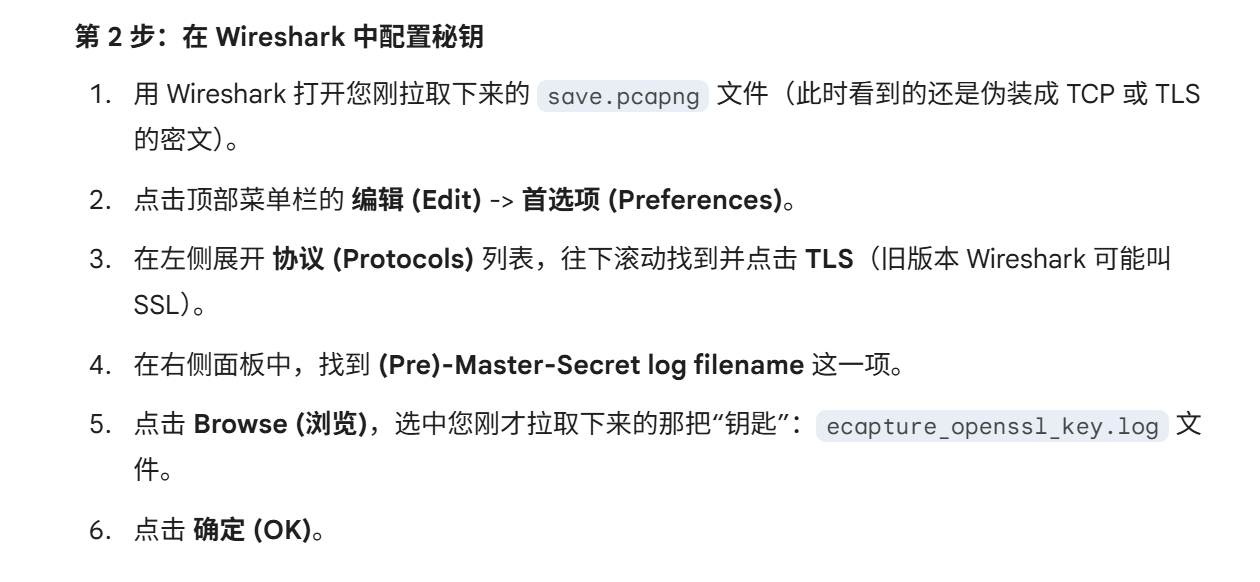
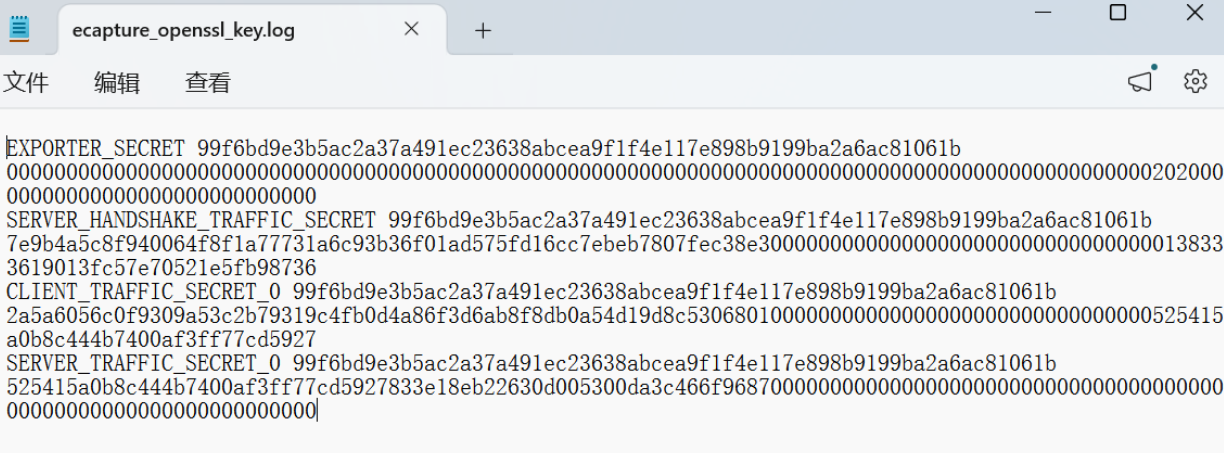
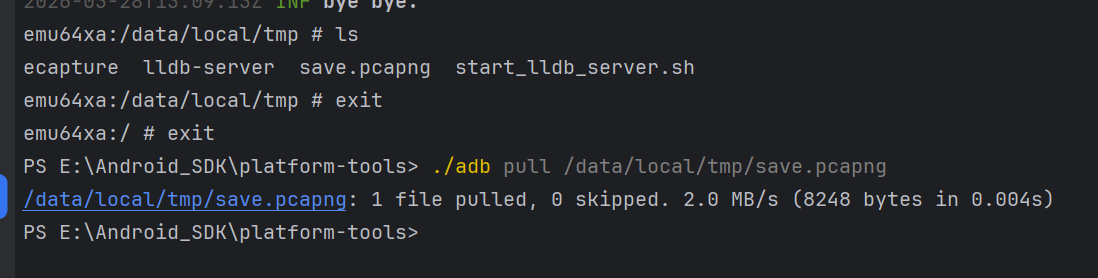
emu64xa:/data/local/tmp # ./ecapture NAME: eCapture - Capturing SSL/TLS plaintext without a CA certificate using eBPF. Supported on Linux/Android kernels for amd64/arm64.
COMMANDS: bash capture bash command gotls Capturing plaintext communication from Golang programs encrypted with TLS/HTTPS. help Help about any command tls Used to capture TLS/SSL text content without the need for a CA certificate. (Supports OpenSSL 1.0.x/1.1.x/3.x or newer).
DESCRIPTION: eCapture(旁观者) is a tool that can capture plaintext packets such as HTTPS and TLS without installing a CA certificate. It can also capture bash commands, which is suitable for security auditing scenarios, such as database auditing of mysqld, etc (disabled on Android). Support Linux(Android) X86_64 4.18/aarch64 5.5 or newer. Repository: https://github.com/gojue/ecapture HomePage: https://ecapture.cc
OPTIONS: -b, --btf=0 enable BTF mode.(0:auto; 1:core; 2:non-core) -d, --debug[=false] enable debug logging --ecaptureq="" listening server, waiting for clients to connect before sending events and logs; false: send directly to the remote server. --eventaddr="" the server address that receives the captured event. --eventaddr ws://127.0.0.1:8090/ecapture or tcp://127.0.0.1:8090, default: same as logaddr --eventroratesize=0 the rorate size(MB) of the event collector file, 1M~65535M, only works for eventaddr server is file. --eventaddr=tls.log --eventroratesize=1 --eventroratetime=30 --eventroratetime=0 the rorate time(s) of the event collector file, 1s~65535s, only works for eventaddr server is file. --eventaddr=tls.log --eventroratesize=1 --eventroratetime=30 -h, --help[=false] help for eCapture --hex[=false] print byte strings as hex encoded strings --listen="localhost:28256" Listens on a port, receives HTTP requests, and is used to update the runtime configuration, default: 127.0.0.1:28256 -l, --logaddr="" send logs to this server. -l /tmp/ecapture.log or -l ws://127.0.0.1:8090/ecapture or -l tcp://127.0.0.1:8080 --mapsize=1024 eBPF map size per CPU,for events buffer. default:1024 * PAGESIZE. (KB) -p, --pid=0 if pid is 0 then we target all pids -t, --tsize=0 the truncate size in text mode, default: 0 (B), no truncate -u, --uid=0 if uid is 0 then we target all users -v, --version[=false] version for eCapture
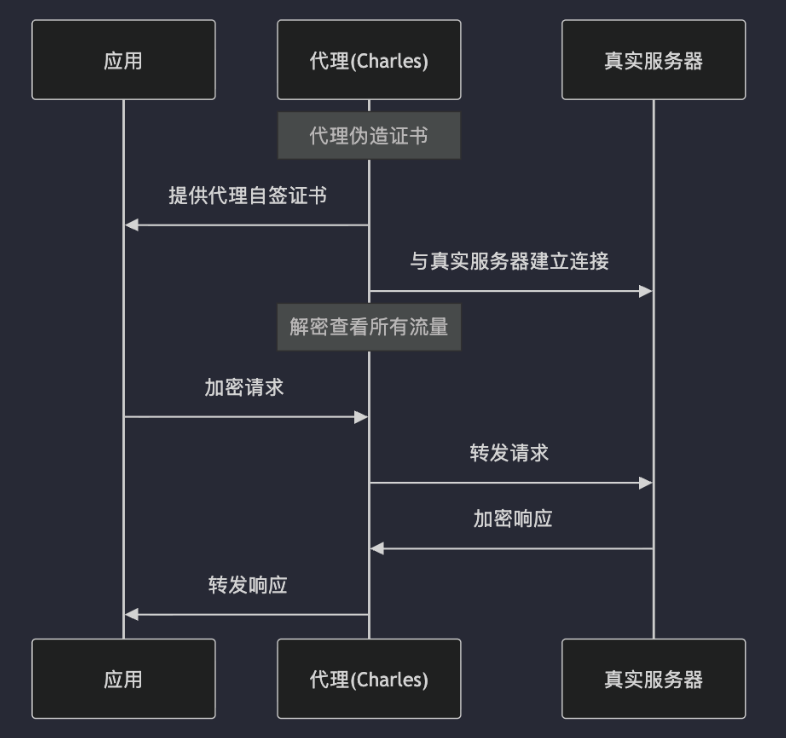
抓包器 CA 签发的证书,如果安装到系统 CA 目录,就实现了(1)证书链信任验证,抓包器会自动针对主机名签发证书,自动绕过(2)主机名验证
Pinning
HTTPS/SSL 网络库(okhttp3 这类)默认情况下,只会保证【证书有效】,抓包器 CA 只要合理装进系统,也可以通过校验
为了防止系统被植入不可信 CA ( App 不再信任系统 CA ),App 可以对证书的公钥进行绑定,这个就是所谓的 Pining。MITM 攻击者无法拿到公钥的私钥,因此无法伪造该公钥对应的证书,即使系统信任了 MITM 提供的 CA 证书。为什么是对公钥进行绑定,而不是整个证书进行绑定? 因为现代证书更替的时间比较快,通常几个月换一次,而公钥则可以保持长期不变


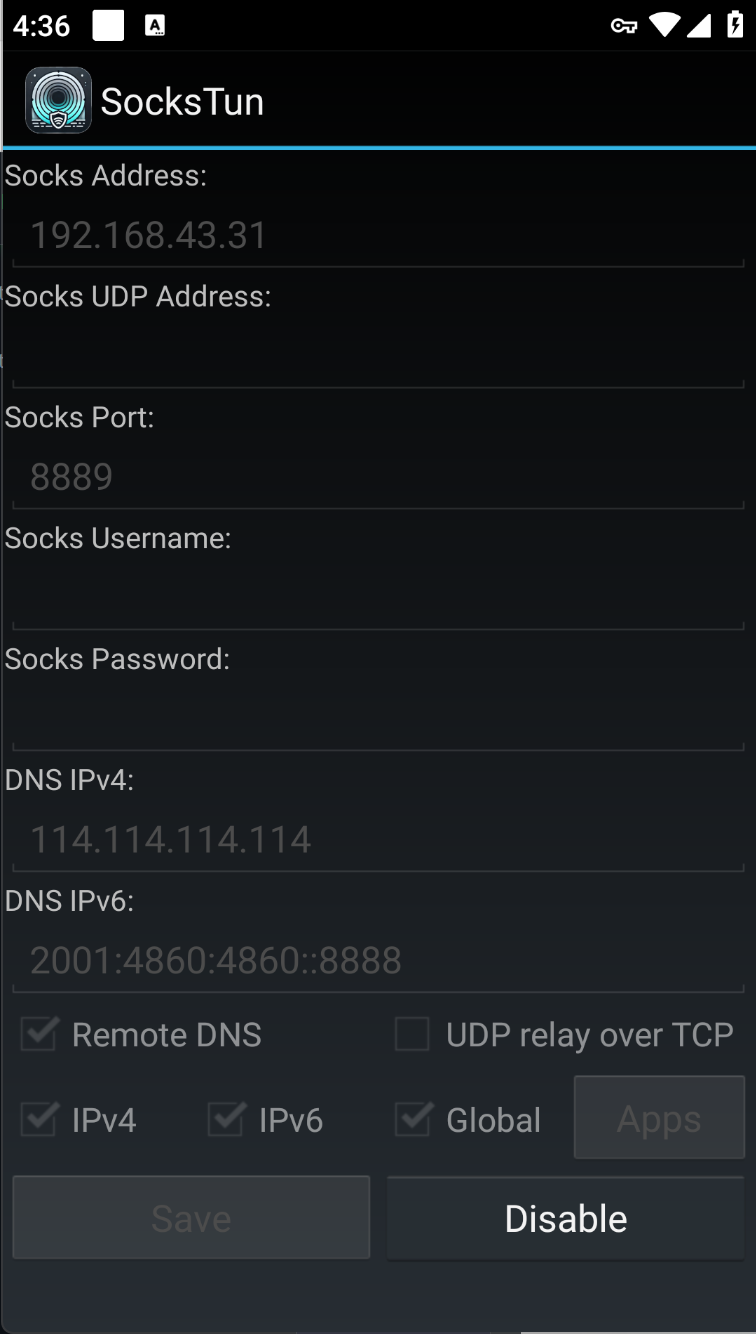
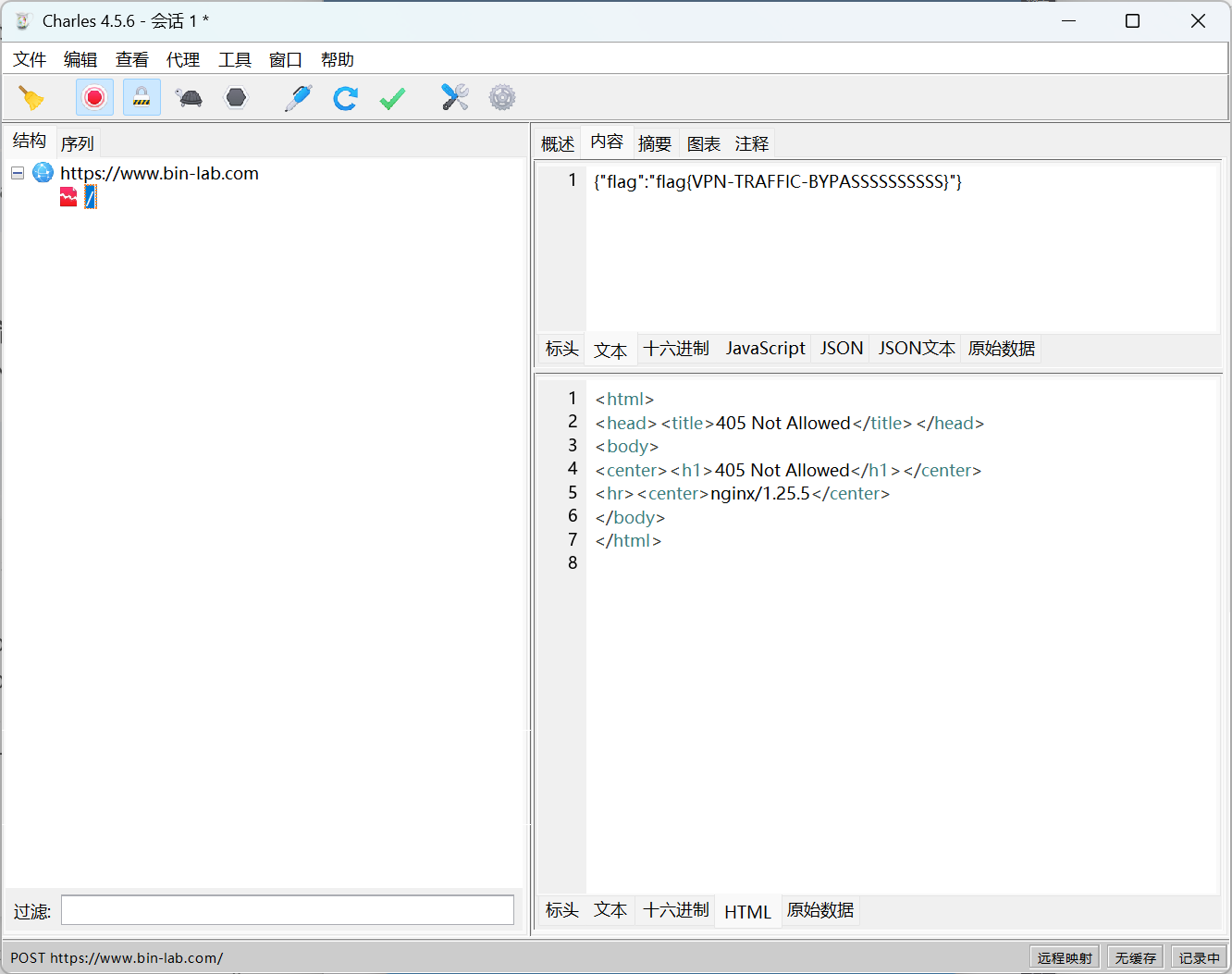
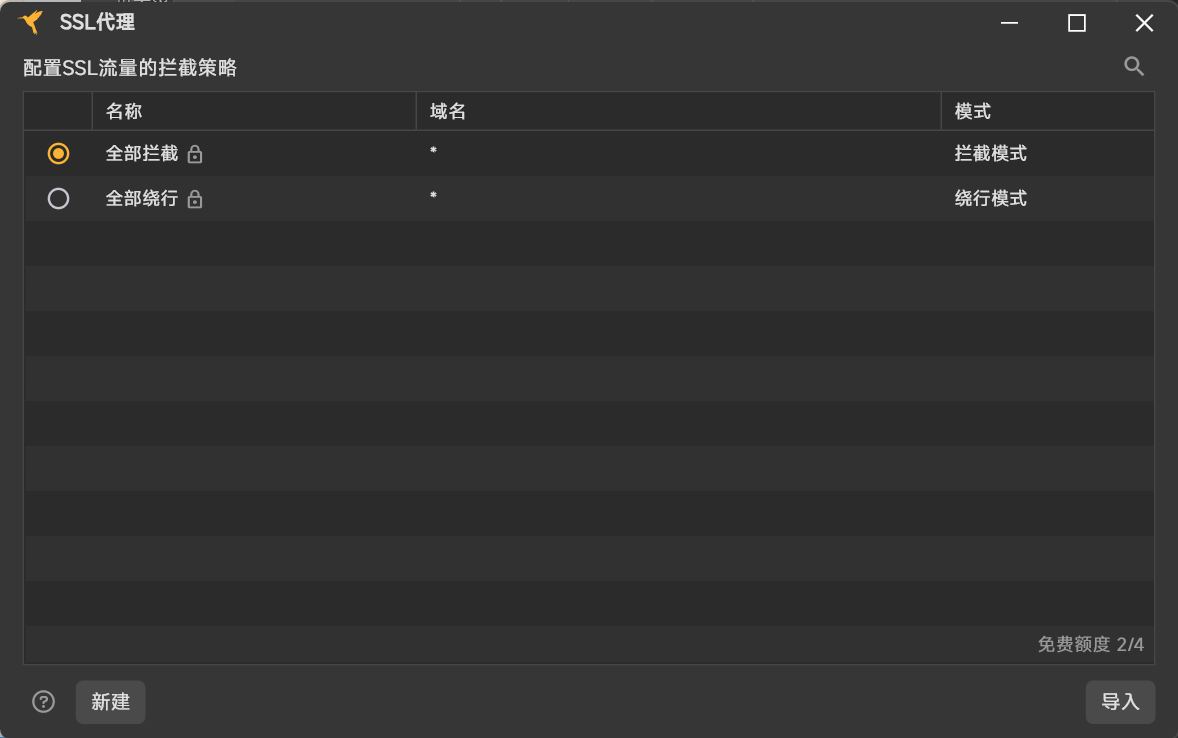
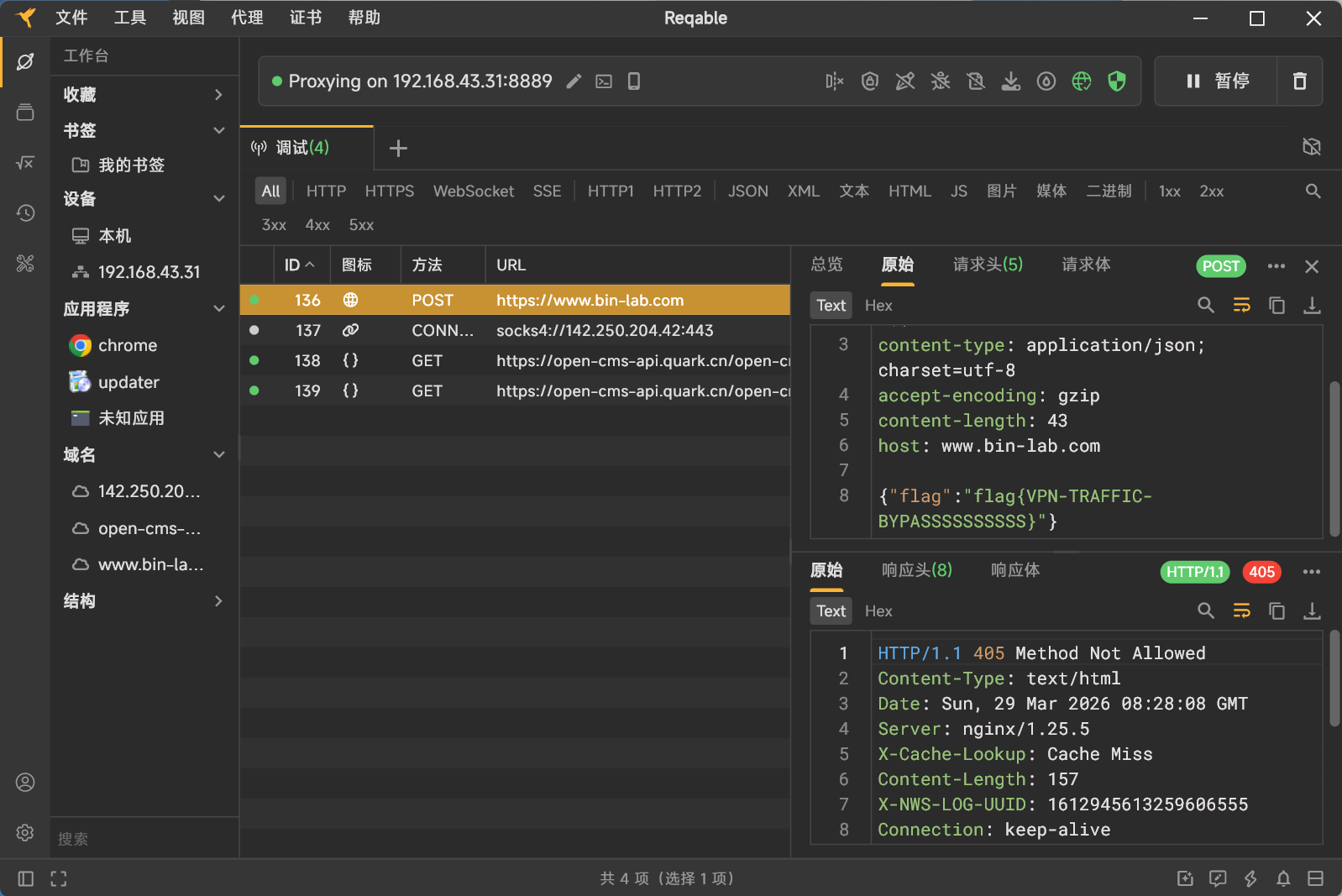
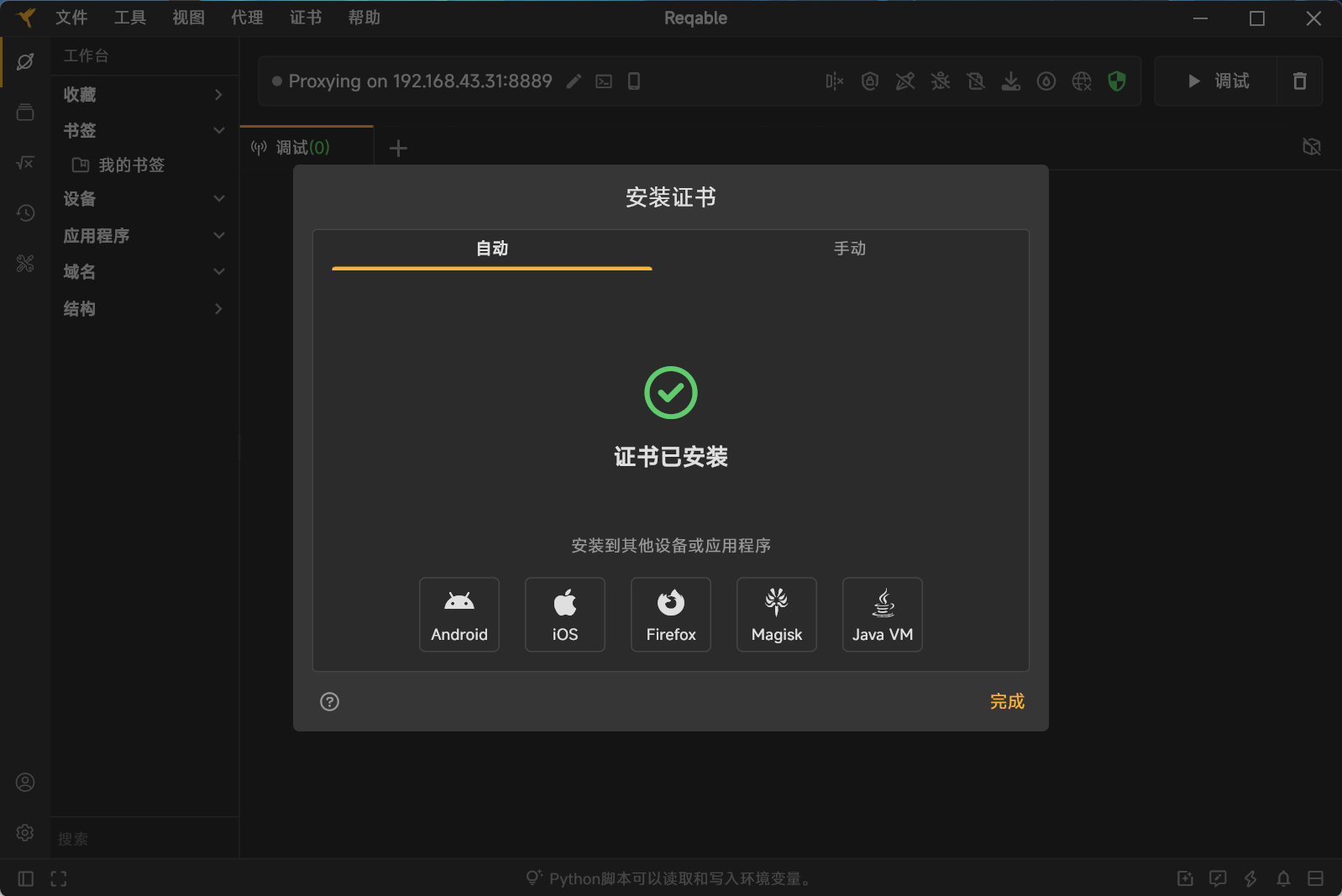 设置代理ip和port,以及SSL代理全部拦截